Back to Home
PLUH! PLAY
Games. Friends. Vibes.
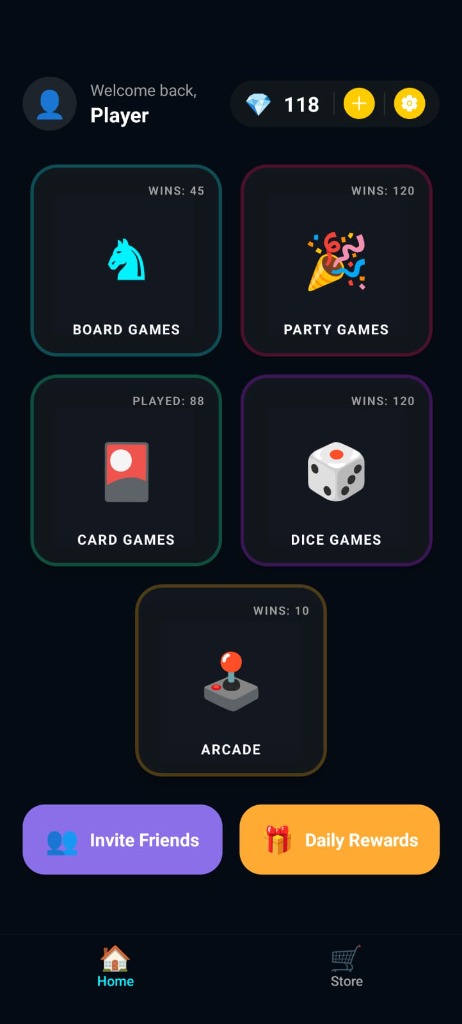
Step into a world where gaming feels like it used to — simple, social, and full of laughter. Pluh! Play brings back the joy of real game nights.
15+ Games. One App. Zero Hassle.
🎲 Board Games
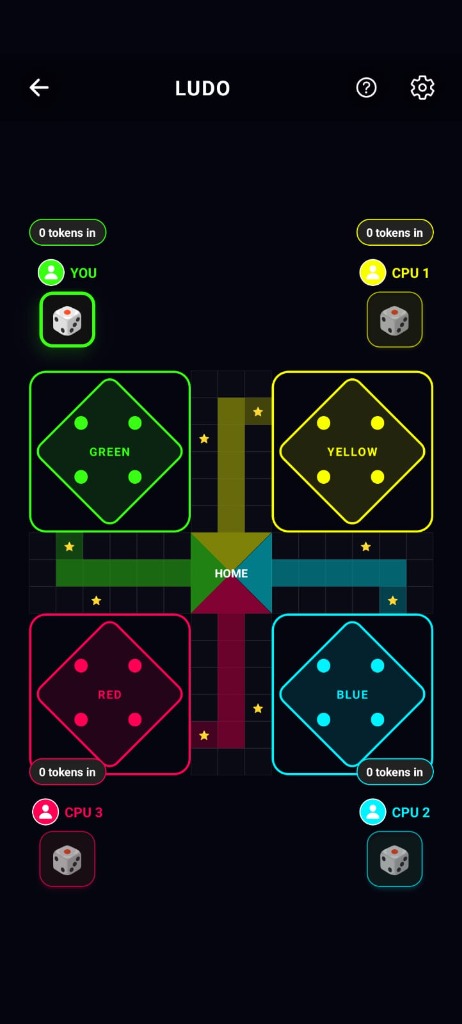
- Ludo
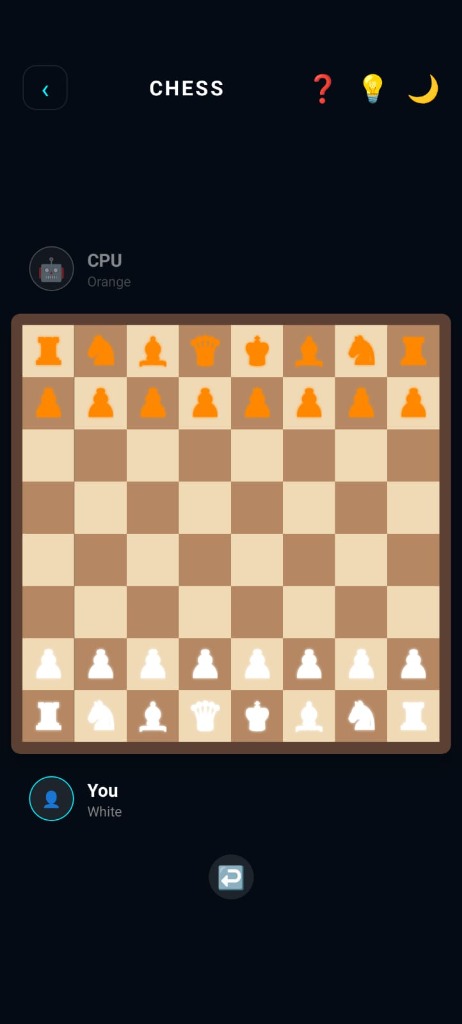
- Chess
- Snakes & Ladders
🃏 Card Games
- Uno
- Teen Patti
- Rummy
🎯 Dice Games
- Ship, Captain & Crew
- Liar’s Dice
🕹️ Arcade Games
- Tic Tac Toe
- Connect 4
- Air Hockey
- 8 Ball Pool 🎱
🎉 Party Games
- Tambola
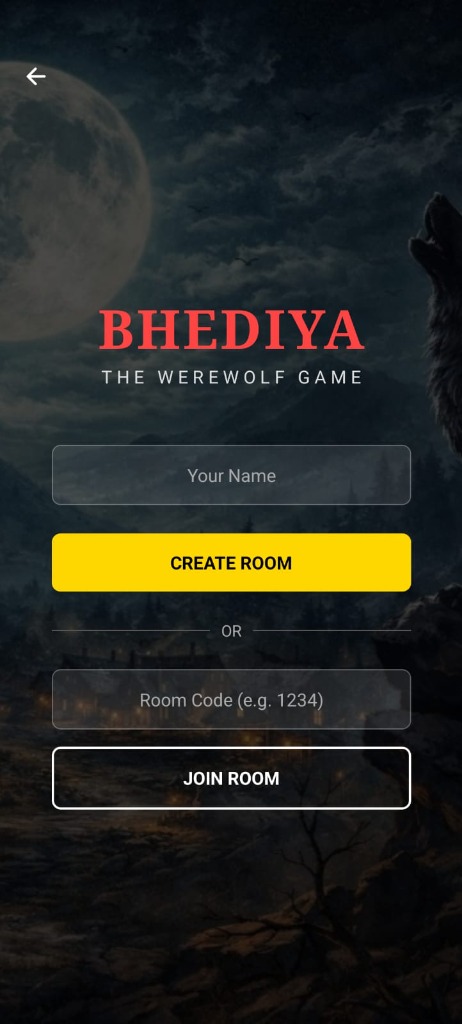
- Bhediya (The Wolf Game)
Standout Features
- • All-in-one gaming hub
- • Fast, smooth, and minimal
- • Built for real interaction
- • Memory-making gameplay
Play Your Way
Play with CPU
Smart AI, real challenge for solo practice.
Pass & Play
Same device, real-world fun with nearby friends.
Play with Friends
Create rooms, invite instantly from anywhere.
Sneak Peek
Account & Data Deletion
At Uthsava Labs, we respect your privacy and your right to control your data. Since Pluh! Play uses Google Sign-In (OAuth) to save your progress and rewards, you have the right to request the complete deletion of your account and associated data.
Option 1: In-App Deletion (Fastest)
You can delete your account directly from within the Pluh! Play app. This will immediately delete your data from our servers.
- Open the Pluh! Play app on your device.
- Navigate to the Settings menu.
- Tap on Delete Account.
- Confirm your decision.
Option 2: Deletion via Email Request
If you no longer have the app installed, you can request deletion via email:
- Click the "Request Deletion" button below, or open your email client.
- Send an email to support@uthsava.com.
- Ensure the subject line remains "Account Deletion Request - Pluh! Play".
- Crucial: You must send this request from the exact same Google Account email address you used to sign into the game.